Malam Bersama Kaka Controls Guide for PC and Mobile
Movement, interact, hide inputs, and Settings habits that keep you alive.
Why controls matter in a horror escape
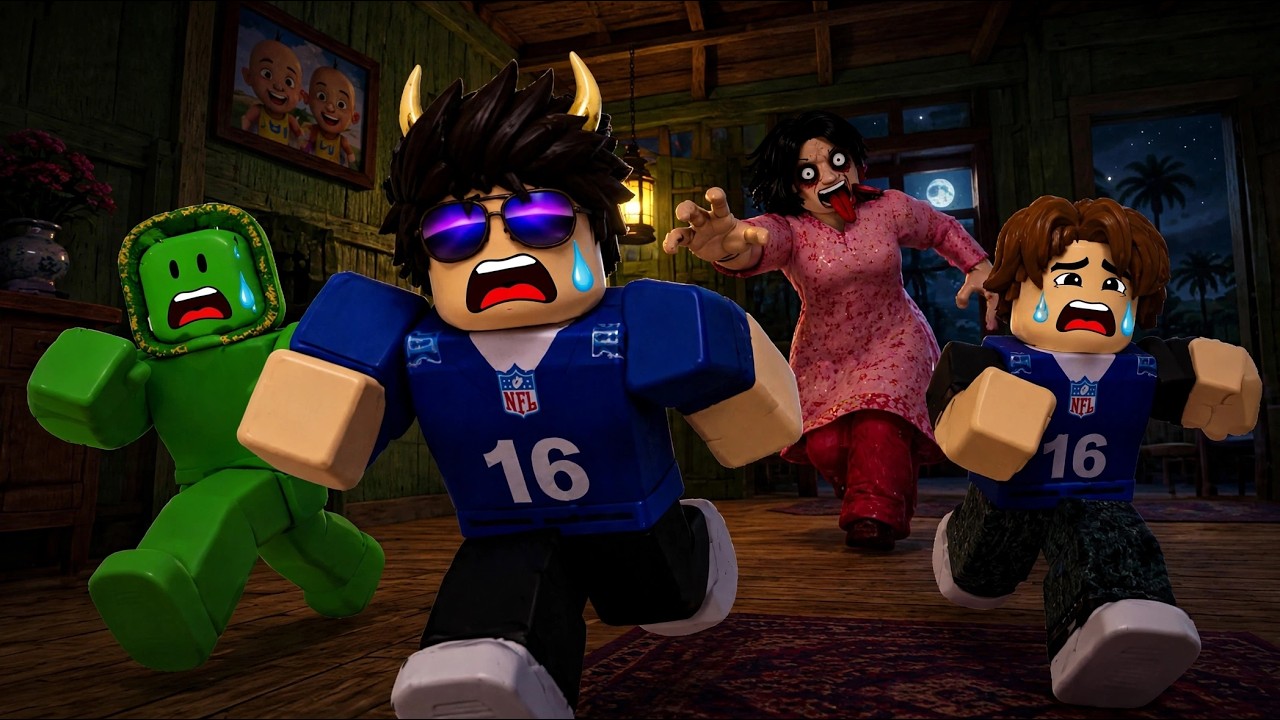
Malam Bersama Kaka is a Roblox survival escape by DINE STUDIO. The fantasy is simple — find five colored keys, unlock exit padlocks, and hide from Kaka — but your fingers decide whether a chase ends in a wardrobe or a Bad Ending. This page covers PC and mobile controls, interact timing on drawers, wardrobe entries, Settings and Codes UI awareness, sprint versus walk discipline, and audio setup.
Pair it with Getting Started, How to Hide, and How to Escape so inputs connect to real objectives.
Default Roblox movement (PC)
On keyboard and mouse you will mostly use:
- WASD or arrow keys to walk through halls and rooms
- Shift (or your sprint bind) for short bursts in already-clear connectors
- Mouse look to peek corners before committing into a wing
- E / click (or the on-screen interact prompt) to open drawers and furniture
- Interact again on wardrobe doors to enter hide spots
- Esc / menu for Settings, leave, and any Codes field the experience exposes
Exact keybinds can differ if you remapped Roblox globally. Beginners should keep defaults for the first few Easy clears so muscle memory matches tutorial videos and this wiki.
Mobile touch layout
Mobile players clear Malam Bersama Kaka every day, but the input surface is tighter:
- Keep the virtual joystick thumb relaxed — death-gripping it makes micro-sprints you did not intend
- Park your other thumb near the interact button whenever you enter a furniture-heavy room
- Practice wardrobe entries on Easy until the prompt feels automatic; panic taps often miss while Kaka closes distance
- Lower graphics slightly if frame drops make interact prompts stutter
- Prefer headphones with a short cable or solid Bluetooth latency; delayed footsteps on mobile are worse than on PC
If your device overheats in long Nightmare sessions, take breaks. Thermal throttling feels like “the game cheated” when it is really input lag.
Drawers and interact timing
Keys live in drawers and related furniture. Control tips that save runs:
- Face the furniture squarely so the interact prompt appears reliably.
- Open once, loot once, move on — spam clicking only adds animation and noise.
- After a miss, do not spin in place mashing interact; rotate to the next piece in the wing.
- If a prop never highlights, stop wasting inputs and mark it non-interactable mentally.
Wing search habits live on Find Colored Keys once you trust your fingers.
Wardrobe / closet inputs
Hiding is a six-step loop in gameplay terms, but controls-wise it is three beats:
- Break line of sight with a corner (camera + strafe).
- Commit interact on the wardrobe promptly — hesitation in the open is how highlight catches happen.
- Stop moving inside. Resist the urge to wiggle “ready to sprint” while still hidden.
On mobile, pre-aim your camera at the closet door as you approach so the prompt is already centered. Full hide discipline: How to Hide.
Sprint versus walk
Sprint is not a lifestyle. Use it when:
- The hall is already cleared and audio is calm
- You are ferrying keys toward the exit with a known closet ahead
- You must close distance to a wardrobe after breaking LOS
Walk when:
- Looting drawers in contested wings
- Lights just failed on Nightmare
- You only heard Kaka and have not confirmed distance
- Teammates called a chase in your hallway
Holding sprint the entire match is the most common beginner control mistake after picking Nightmare on day one.
Settings, Codes UI, and menus
Open Settings early in a calm lobby (before you need it mid-chase):
- Note volume sliders for master / effects
- Check whether a Codes field or tab exists
- Confirm graphics and camera sensitivity feel stable
If a Codes UI exists, redeem flow details are on the Codes Hub and the dedicated redeem guide once published under codes. If no Codes entry appears, focus on coins from clears rather than third-party “auto redeem” sites — those are usually scams.
Never open deep menus while Kaka is audible nearby. Pause planning for the wardrobe, then adjust settings between rounds.
Audio setup that actually helps
Sound is part of your HUD:
- Footsteps and chase cues tell you when to hide
- Drawer spam from teammates warns you a wing is noisy
- Total mute removes the information Nightmare needs when lights die
Practical setup:
- Use stereo headphones if possible
- Keep effects high enough to hear patrols
- Lower master volume if jumpscares hurt, without silencing footsteps entirely
- On shared speakers, warn housemates — sudden screams mid-call are awkward and also make you yank the volume mid-chase
Co-op control etiquette
Controls are personal, but lobbies share consequences:
- Do not grief-open a teammate’s wardrobe “for content”
- Avoid door slamming loops while someone is hiding
- On voice, keep callouts short during hide windows so nobody panic-moves
- Agree on who watches chat for color updates if one player is on mobile with limited typing speed
Role language and party size (about 1–4) sit on the Players Hub.
Sensitivity and camera comfort
Too-high sensitivity overshoots wardrobe doors. Too-low sensitivity makes corner peeks sluggish. Spend two Easy minutes tuning look speed until you can:
- Snap to a closet prompt without spinning a full circle
- Peek a hall and return to cover without sticky aim
- Track a teammate callout direction without losing orientation
Controller players on supported devices should mirror the same goals: walk-default near loot, sprint-burst to closets, interact bound somewhere reachable under stress.
Common control failures
- Remapping mid-Nightmare after a death spiral
- Mobile thumbs covering the interact button with the camera drag
- Opening Settings during a chase to “turn down scare volume”
- Sprint-strafing in place beside a drawer cluster
- Treating Opah control videos as identical to this DINE STUDIO place
Stay on the official Malam Bersama Kaka experience and practice inputs where the furniture actually lives.
Ten-minute practice drill
- Join Easy solo or duo.
- For five minutes, only practice wardrobe entries from three different approach angles.
- For five minutes, loot one wing walking-only, then sprint only to the exit-adjacent closet.
- End the drill when interact prompts feel boring. Boring means ready for Hard.
Related reading
- Getting Started — first-session checklist
- How to Hide — silence windows after you enter
- How to Escape — when to push padlocks
- Codes Hub — promo status and Settings redeem awareness
- Players Hub — Kaka pressure and co-op roles
Master the buttons on Easy so Nightmare darkness only tests memory — not whether you can find the interact prompt.
Frequently Asked Questions
Quick answers for Malam Bersama Kaka players.
What are the basic PC controls in Malam Bersama Kaka?
Use standard Roblox movement (WASD), sprint in short bursts, look with the mouse, and interact to open drawers or enter wardrobes. Check Settings for volume and any Codes field.
Is mobile harder to control?
Touch layouts are tighter. Keep a thumb ready for interact, practice wardrobe entries on Easy, and watch for device heat causing input lag.
When should I sprint?
Sprint in clear halls or to reach a closet after breaking line of sight. Walk while looting contested rooms or when audio is uncertain.
Where do I enter codes?
Open Settings and look for a Codes field if the experience exposes one. See the Codes Hub for current promo status — none may be active yet.
Should I mute the game to avoid jumpscares?
Lower volume if needed, but keep enough effects audio to hear Kaka. Muting everything removes critical chase information, especially on Nightmare.